
Mesh operations
Topology-rewriting ops undo as a whole-mesh snapshot. Ops that create faces select their output.
All of these live on toolbar row 1. Grey means the current selection cannot feed the op.
Extrude


Extrudes selected faces outward along normals, or pulls edge fins to extend boundaries.
When: pull a wall, a rim, a new storey.
- Faces: the originals are removed; you get a cap plus side quads (ProBuilder region extrude).
- Edges: fins along the average adjacent normal.
- Live: Shift+Move.
- Key: Alt+E.
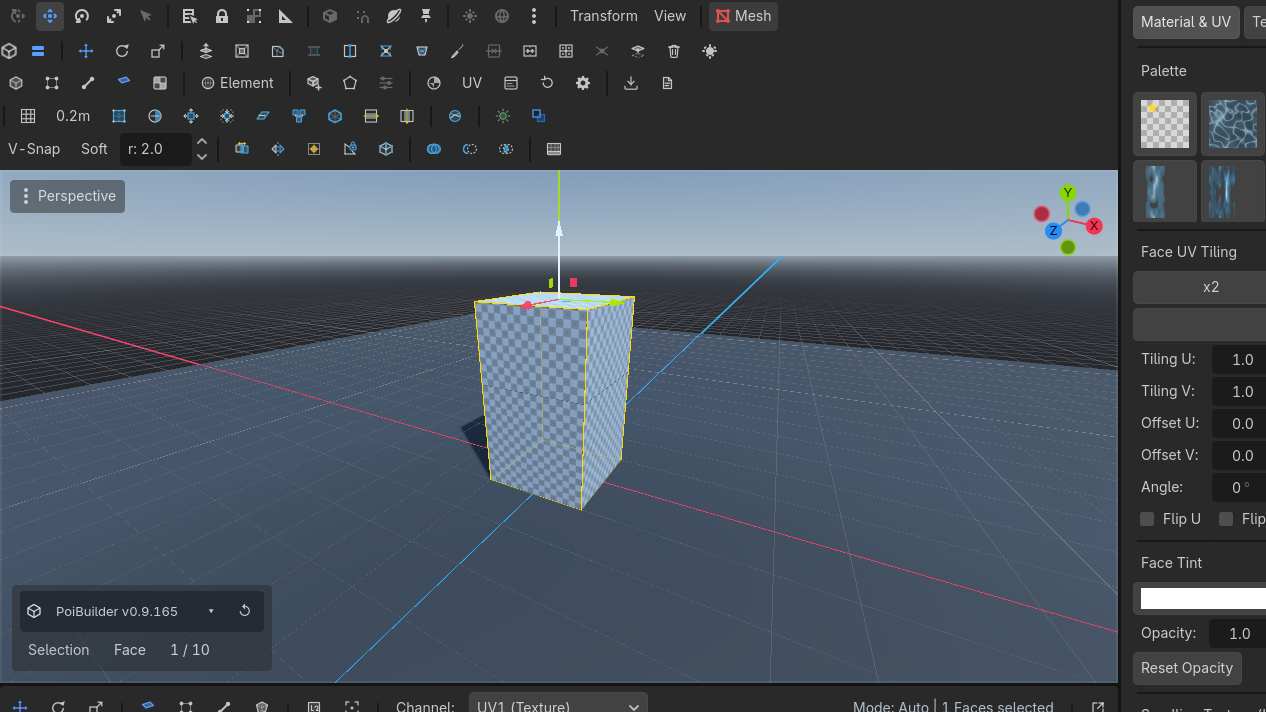
Inset
Insets selected faces, creating an outer border and shrinking the inner face.
When: a window recess, a panel, a frame.
- Planar ring around the selected faces.
- Live: Shift+Scale on faces.
- Key: Alt+I.
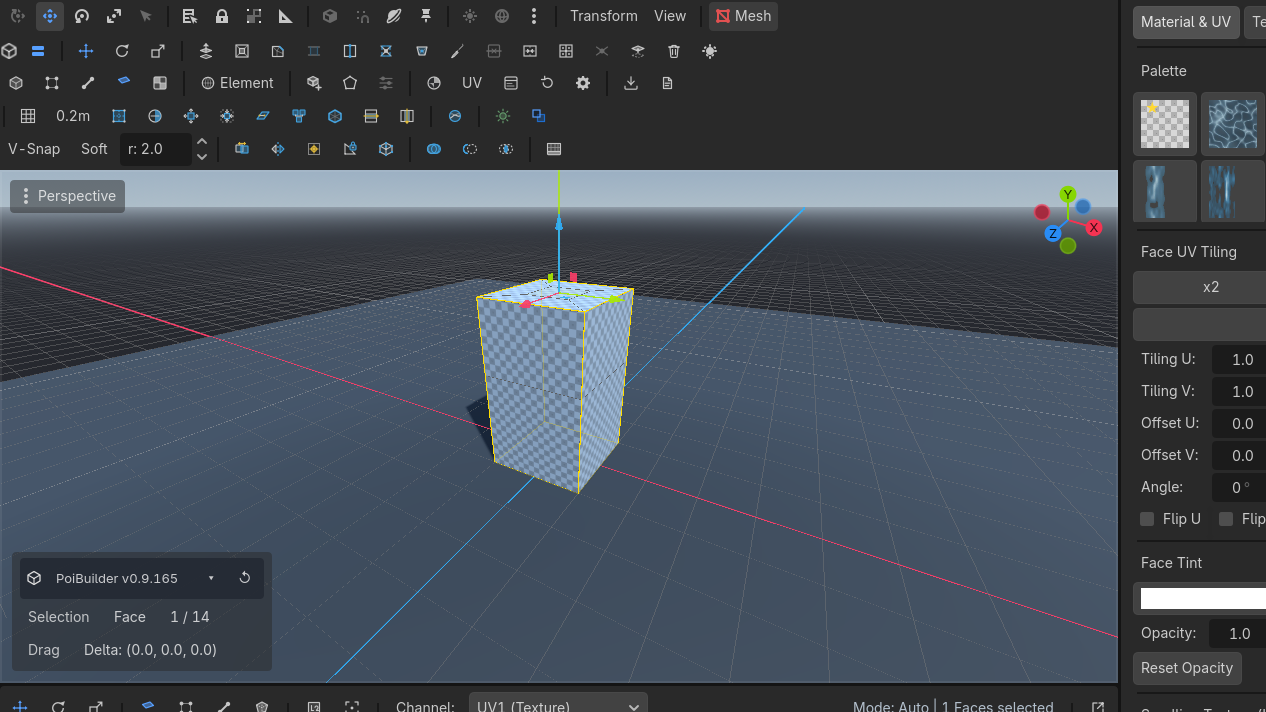
Loop cut
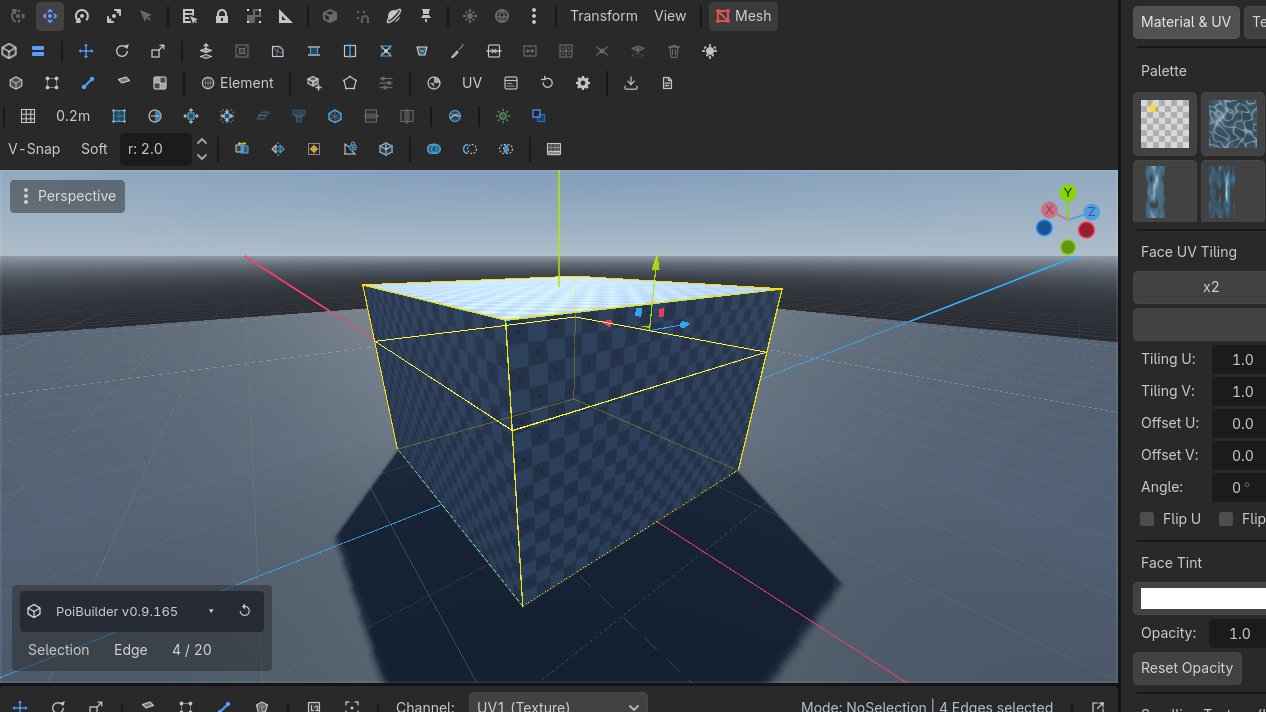
Inserts an edge loop crossing a selected quad strip, turning corners cleanly.
Select an edge that crosses a quad strip (a ring edge). Loop CutRow 1 · Mesh OperationsLoop CutUnbound (rebindable)Inserts an edge loop through the ring of quads crossed by the selected edge.Needs: An edge crossing a quad ring inserts a loop through that ring. Faces with only one ring edge (fans, boundaries) stay unsplit — a T-junction is expected. Corner turns that cannot walk fail cleanly.
Subdivide
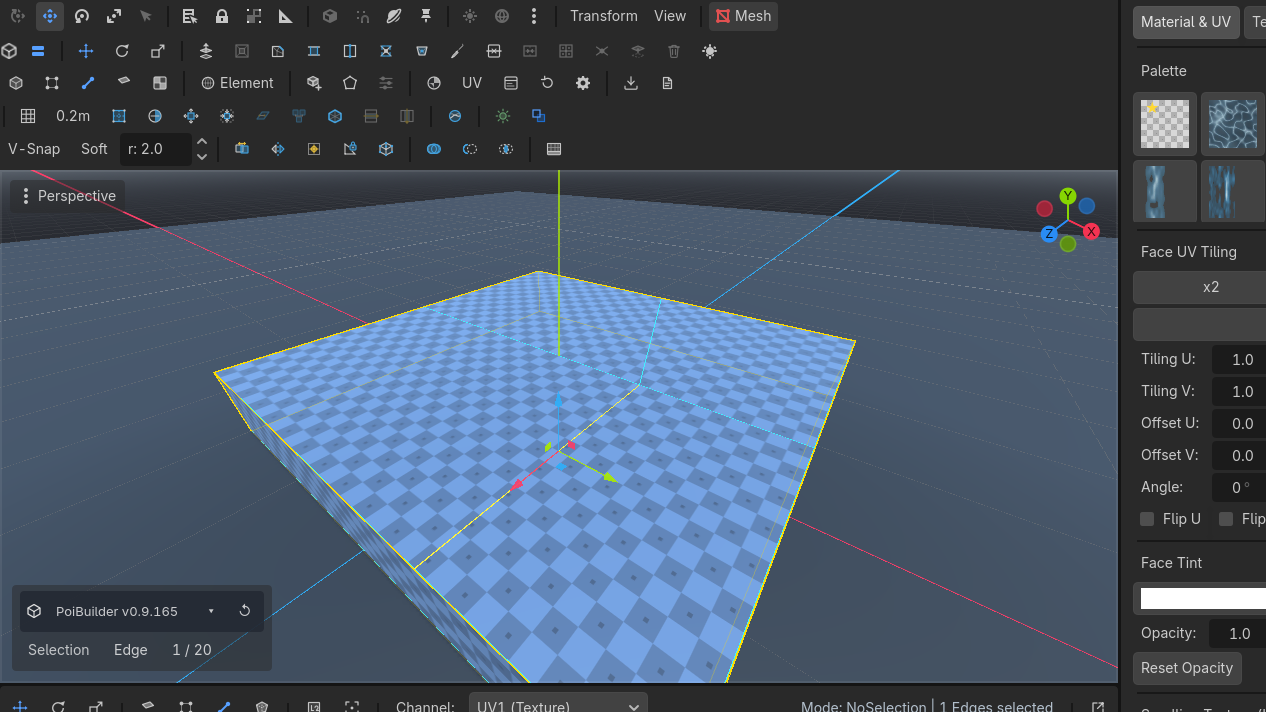
Splits selected quad faces into four sub-quads and inserts new interior edges.
Selected quads become four. Then drag the new edge.
Merge faces
Collapses adjacent coplanar faces into a single flat n-gon.
Edge-adjacent selected faces collapse into one n-gon per region, fan-triangulated. Coplanar is the common case; you can also merge across a crease into a bent n-gon.
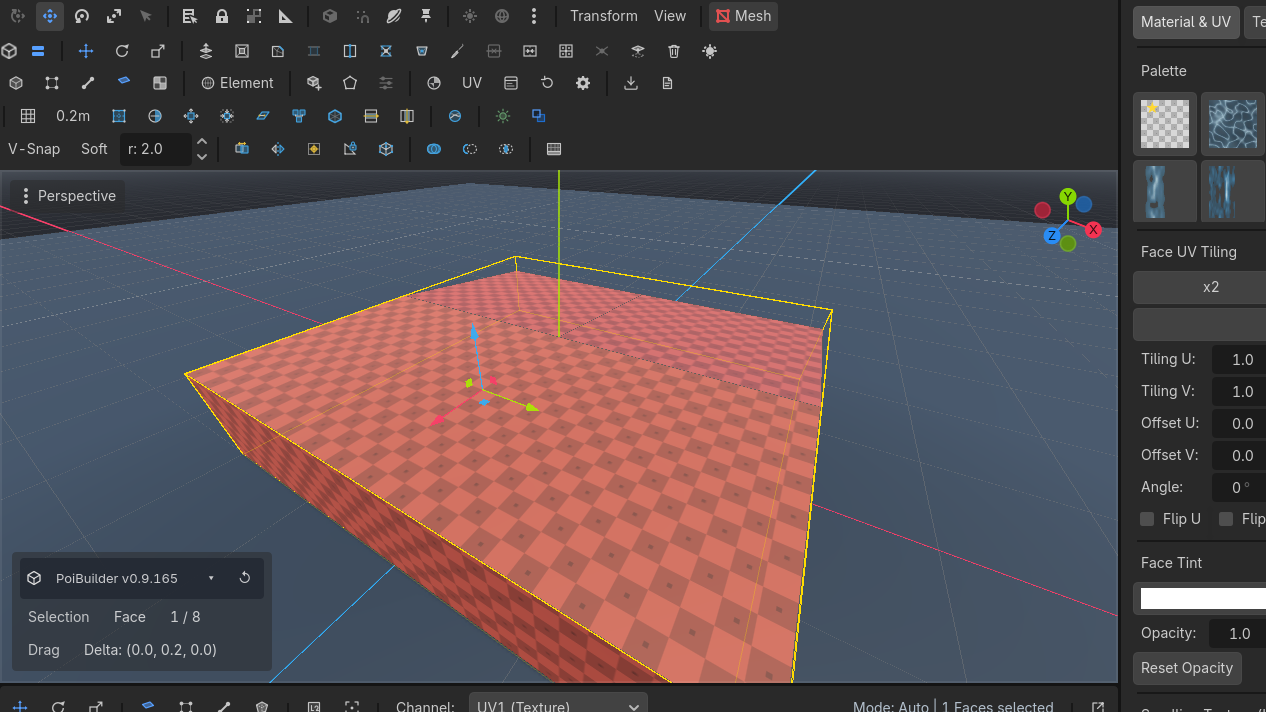
Knife
Cuts across faces along an interactive clicked path, splitting geometry.
Click points across a face (edge-to-edge, or an interior hole). Enter completes the cut. Restricts points to the current face; edges can belong to more than one candidate.
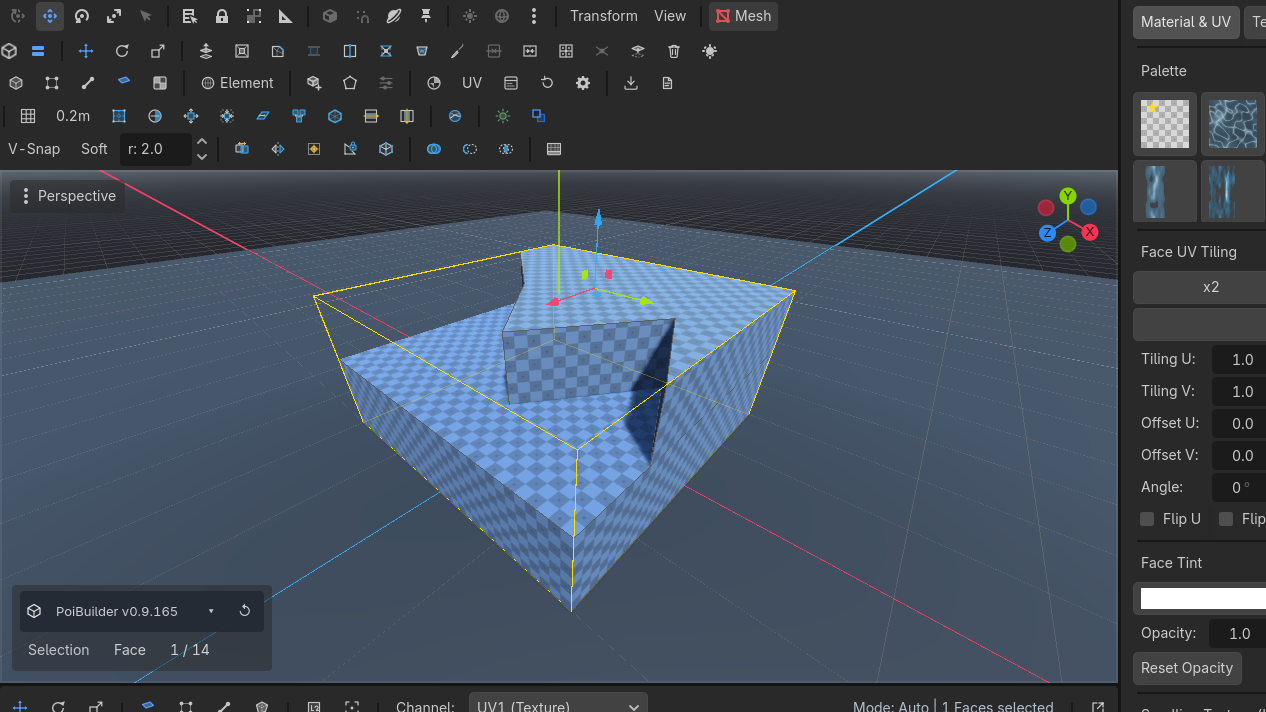
N-gon prism


Click points on any surface to draw a custom polygon base, Enter to extrude height.
Toolbar N-GonRow 2 · ShapesN-GonDraws a custom polygon, then extrudes it into 3D (Enter sizes the height).Needs: Nothing (always enabled): click a polygon on a surface, Enter, drag height. Any floor plan becomes a volume.
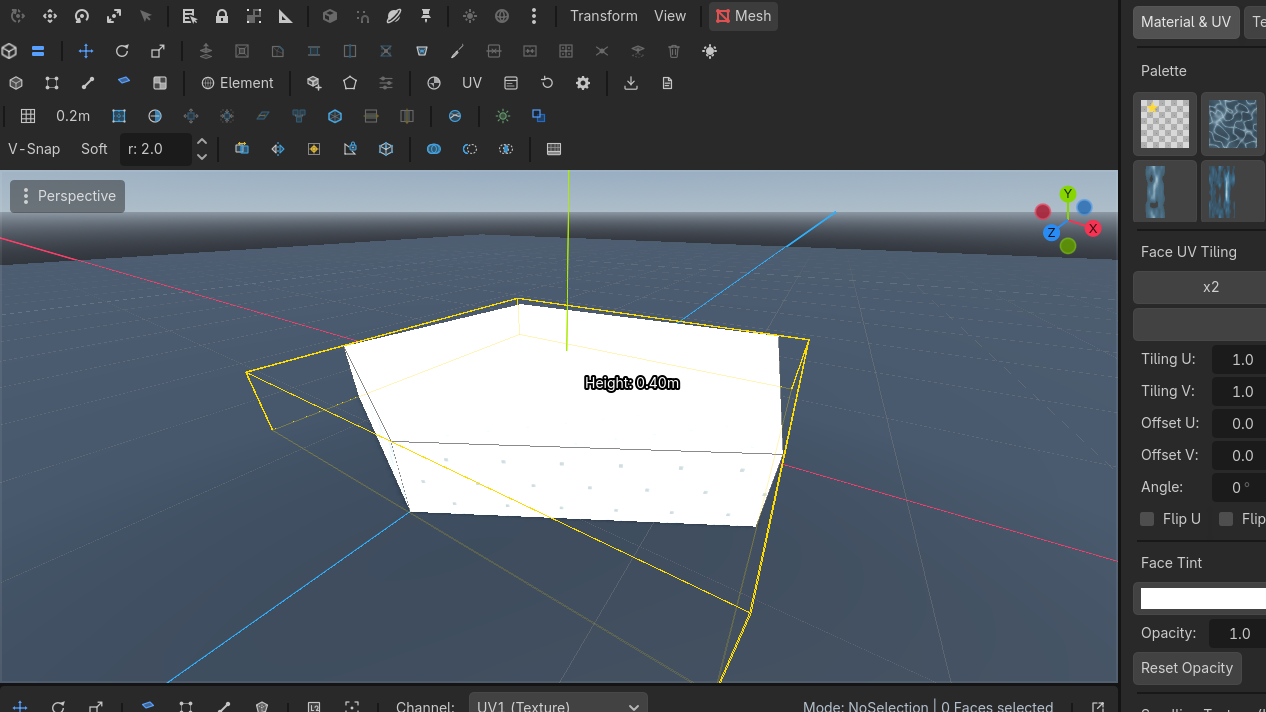
Bevel
Own page: Bevel. Ctrl+B.
Universal rules
- Topology-rewriting ops undo as whole-mesh snapshots. There is no per-vertex undo payload that survives insertion.
- Ops that create faces select those faces.
- Welds make coincident corners one selectable vertex — see Holes & joins.
Loop Cut wants a ring edge (the thing the loop crosses), not a loop edge (the thing the cut creates). Alt+click is the loop; Shift+Alt+click is the ring.